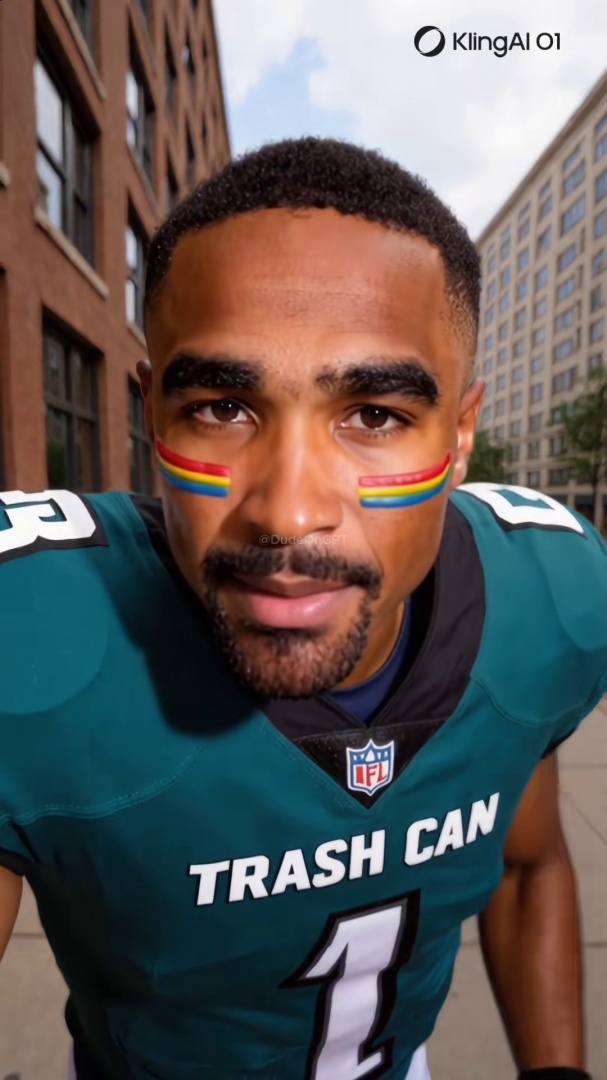
Quick answer: Enterprise deepfake detection tools (Sensity, Reality Defender, Hive Moderation) cost thousands of dollars per month and require file uploads. For a regular person checking a TikTok or Instagram URL, the right stack is community verification first (Ledger), trained eye second, platform labels as a weak confirming signal. Consumer file scanners are largely impractical.
Most deepfake detection tools are not built for you. They are built for banks, media companies, and government agencies who need to verify thousands of files a day at an enterprise contract price. If you found a suspicious video on TikTok and want to know whether it is real, a $2,000-per-month API is not the answer.
Here is an honest breakdown of what exists, what it costs, and what a regular person actually needs.
The Two Categories Do Not Overlap, and That Is the Whole Problem
Deepfake detection tools split into two groups with almost no middle ground.
Enterprise tools run AI models against uploaded video files and return a probability score. They are designed for organizations with compliance requirements, legal exposure, or content moderation at scale. They require integration, contracts, and budget. Most do not have a consumer-facing product at all.
Consumer tools are free or low-cost, browser-based, and designed for individual use. They are fewer in number, less technically sophisticated, and much easier to use. Most of them work by checking a URL against a database of known flagged content rather than analyzing the video file itself.
These two categories answer different questions. Enterprise tools answer: "What is the probability this file was AI-generated?" Consumer tools answer: "Has anyone already flagged this content?"
For a person who just found a suspicious video while scrolling, the second question is the faster and more useful one.
That gap is not an accident. It is the gap that most of the industry has decided to leave unfilled.
Enterprise Tools Are Accurate and Completely Inaccessible
Sensity is one of the most established enterprise deepfake detection platforms. It analyzes uploaded video and image files using a combination of neural network models and produces a confidence score. It is used by media organizations, financial institutions, and government agencies. Pricing is not public and requires a sales conversation. There is no free tier or consumer product.
Reality Defender focuses on real-time detection for enterprise customers. It integrates into content pipelines and flags synthetic media before it is published or acted on. The company reported a 300% increase in enterprise contract value year-over-year through March 2026. That reflects growing demand from organizations with legal and reputational exposure to deepfake fraud. Like Sensity, there is no consumer-facing product.
Hive Moderation
Hive offers a broader content moderation API that includes AI-generated content detection. It is designed for platforms that need to moderate at scale, not for individual users checking a single video. Pricing is usage-based and requires a developer integration.
Who enterprise tools are for: Trust-and-safety teams. Journalists at organizations with verification budgets. Banks running KYC processes. Not you.
A tool you cannot use is not a tool.
Consumer Tools: What Exists and What It Actually Does
The list matters, but so does understanding what each option can and cannot do before you rely on it.
A free browser-based tool that accepts video file uploads and returns a detection result. It works on uploaded files rather than URLs, which means you need to download the video before checking it. The tool is maintained by a small team and has intermittent availability. Detection accuracy on the newest AI generators is limited. The models need constant retraining as generation technology moves forward, and that is a hard problem for a small team.
FotoForensics
A free tool designed primarily for image analysis rather than video. It uses error-level analysis to detect manipulation. Useful for checking still frames extracted from a suspicious video, but not practical for video analysis at normal consumer usage.
Platform labels
TikTok, Instagram, and Facebook all apply AI-generated content labels to some videos. These labels use C2PA metadata embedded at the point of creation. The problem: the metadata can be stripped by running the video through a screen recorder, a compression tool, or any third-party editor. A video that was labeled at creation can arrive on your feed without any label. Platform labels are a first layer, not a complete one. The full breakdown of how these labels work and where they fail is covered in how TikTok, Instagram, and Facebook label AI video.
Ledger
Ledger is a community-powered detection tool built specifically for the platforms where AI video circulates: TikTok, Instagram, and Facebook. Paste a video URL and Ledger checks it against a database of flagged content, returning the community's verdict and confidence level. It is free. It does not require a file download. It works on mobile.
The approach is different from the enterprise tools. Ledger is not running a neural network against every frame. It is surfacing what the community has already found and verified. When a fraudulent AI account gets flagged by enough users with enough report weight, the verdict surfaces for everyone who checks that URL afterward. That is faster and more practically useful for a regular person than a probability score on a file they had to download first.
The Honest Comparison
| Enterprise tools | Consumer file scanners | Ledger | |
|---|---|---|---|
| Cost | Thousands per month | Free | Free |
| Works on URLs | No (file upload required) | No (file upload required) | Yes |
| Works on mobile | No | No | Yes |
| Analysis method | AI model on raw video | AI model on raw video | Community consensus |
| Newest generators | Partially (requires retraining) | Limited | Depends on community coverage |
| Useful for TikTok/Instagram | No | Impractical | Yes |
| Setup required | Yes (contract + integration) | No | No |
What This Means for How You Check a Suspicious Video
No single tool catches everything. Detection is not foolproof, and anyone who tells you otherwise is selling something. The honest approach is to combine signals.
Start with Ledger. It is the fastest check for content that is already circulating. If a fraudulent AI account has been flagged by the community, you get the verdict in seconds without downloading anything.
Use your eye for what Ledger has not seen yet. New content that has not yet been flagged requires human judgment. The 6 visual tells that give away an AI face are the signals to look for in any video you cannot verify through a database check.
Do not trust platform labels alone. A missing label does not mean the video is real. A present label means the platform detected AI involvement at creation, but stripping that metadata is trivial.
Enterprise tools are not the answer for individual use. They are accurate, but they require file downloads, technical integration, and budgets that no individual user has.
The person who needs to decide in the next 30 seconds whether to share a video does not have time for an API integration. That is the gap Ledger is built to fill.
The Bottom Line
For a regular person checking a suspicious video on TikTok or Instagram, the right stack is: Ledger first, your trained eye second, platform labels as a weak confirming signal.
The enterprise tools are doing important work at the organizational level. But none of that work reaches you in the moment you need it.
If you found a suspicious video and want to check it right now, paste the URL below.
Related Posts
- How to Tell If a TikTok Video Is AI-Generated: 7 Signs to Check Right Now: the platform-specific detection guide with visual tells to use when no tool has flagged the content yet
- Humans Are Still Better Than AI at Spotting Deepfake Videos: why your trained eye still outperforms automated detectors on consumer video and when to reach for each
- The $25 Million Wire Transfer That a Deepfake Approved: the enterprise use case where detection tools genuinely are the answer, and what that costs
- How to Report a Deepfake on TikTok, Instagram, or Facebook: the step-by-step action guide for reporting and following up after you spot something suspicious